Overview
Software development often involves many changes to code over time. Developers need a reliable way to track those changes, experiment with new ideas, collaborate with teammates, and recover earlier versions when necessary. Git and GitHub are commonly used for these purposes, but they are not the same thing.
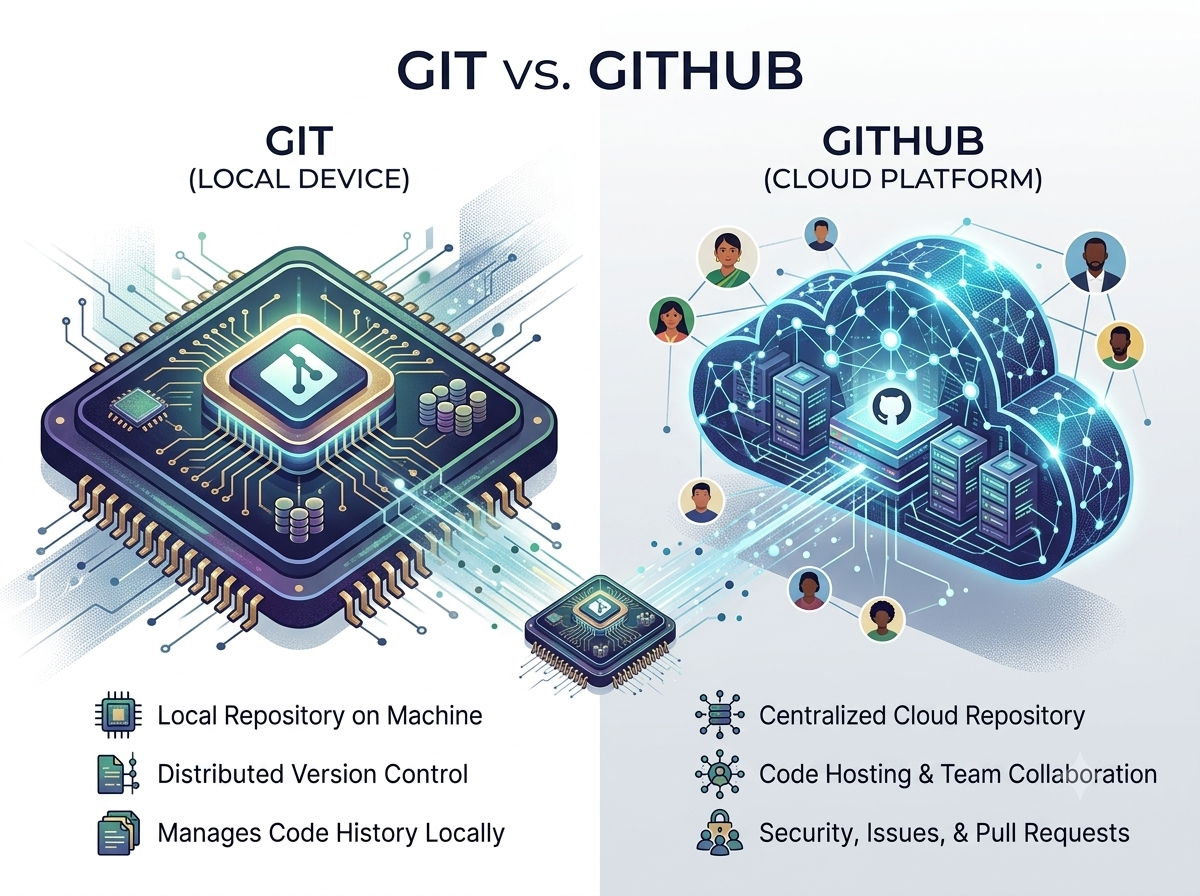
Git is a version control system that runs on a developer's computer and tracks changes to files. GitHub is an online platform that provides hosting for Git repositories along with tools for collaboration, code review, project management, and software development.
What Is Git?
Git is a distributed version control system. It allows developers to record changes to a project and maintain a history of different versions.
Developers can create a repository, make changes to files, and save those changes as commits. They can also create branches to work on different features without immediately changing the main version of the project.
One major advantage of Git is that developers can use it locally without needing an internet connection for many common version-control tasks.
What Is GitHub?
GitHub is a cloud-based development platform built around Git repositories. It allows developers and teams to store repositories online and collaborate on projects.
GitHub provides features such as pull requests, code reviews, issue tracking, project management, and collaboration tools.
In simple terms, Git manages the version history, while GitHub provides an online environment for hosting and collaborating around that Git-based work.
Key Differences Between Git and GitHub
1. What They Are
Git is software for version control.
GitHub is an online platform that hosts Git repositories and provides development and collaboration features.
2. Where They Work
Git can run locally on a developer's computer.
GitHub operates as an online service, although developers interact with it through Git and other tools.
3. Main Purpose
Git focuses on tracking changes and managing different versions of a project.
GitHub focuses on hosting repositories and helping developers collaborate around them.
4. Internet Requirement
Git can be used locally without an internet connection for many tasks.
GitHub requires network access when developers need to interact with repositories hosted on the platform.
5. Collaboration
Git provides the core version-control capabilities developers use to create branches, commits, and merge changes.
GitHub adds collaboration features such as pull requests, code reviews, discussions, and issue tracking.
Git vs. GitHub at a Glance
| Feature | Git | GitHub |
|---|---|---|
| Type | Version control system | Online development platform |
| Main purpose | Track and manage code changes | Host and collaborate on Git repositories |
| Runs locally | Yes | Primarily online |
| Version control | Yes | Uses Git |
| Collaboration tools | Basic through Git workflows | Extensive |
| Repository hosting | Local repositories | Online repository hosting |
How Git and GitHub Work Together
Developers can use Git to create and manage a project locally. When they want to share the project with teammates or store a remote copy, they can push the Git repository to a platform such as GitHub.
Team members can then clone the repository, create branches, make changes, and push their work back to the shared repository. Pull requests can be used to review proposed changes before they are merged.
This workflow helps teams maintain an organized history of their software projects.
Do Developers Need GitHub to Use Git?
No. Git and GitHub are separate technologies.
A developer can use Git to manage a project entirely on a local computer or use another Git hosting service. GitHub is simply one popular platform that works with Git and provides additional development and collaboration capabilities.
Conclusion
Git and GitHub are closely connected but serve different purposes. Git is the version control system that tracks changes and manages project history, while GitHub is an online platform that hosts Git repositories and provides tools for collaboration.
Understanding the difference helps new developers understand their development workflow. Git handles version control, while GitHub makes it easier to store, share, review, and collaborate on Git-based projects.